Browser compatibility
you are currently visiting our website in a browser that is not supporting our website.


Always up to date: your cylinder and bulk tank overview, orders and documents clearly organised in our customer portal
My account My profile Place an order Create accountOur customer portal brings together all essential functions for your daily gas management in a clear environment. At a glance you can see which cylinders are at your location, download documents such as invoices and delivery notes, and place online orders quickly and easily.
Do you want more control over your bulk consumption? With the online tank management functionality you get insight into current tank levels, usage and deliveries — including reports you can receive automatically. Please note: online tank management is an additional functionality and is not included by default with an account.
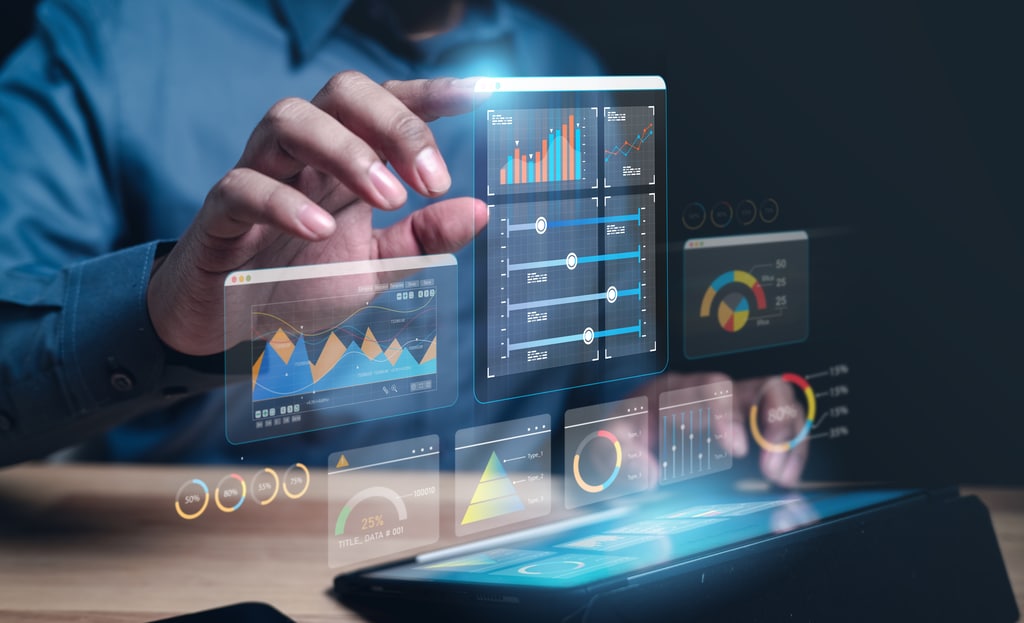
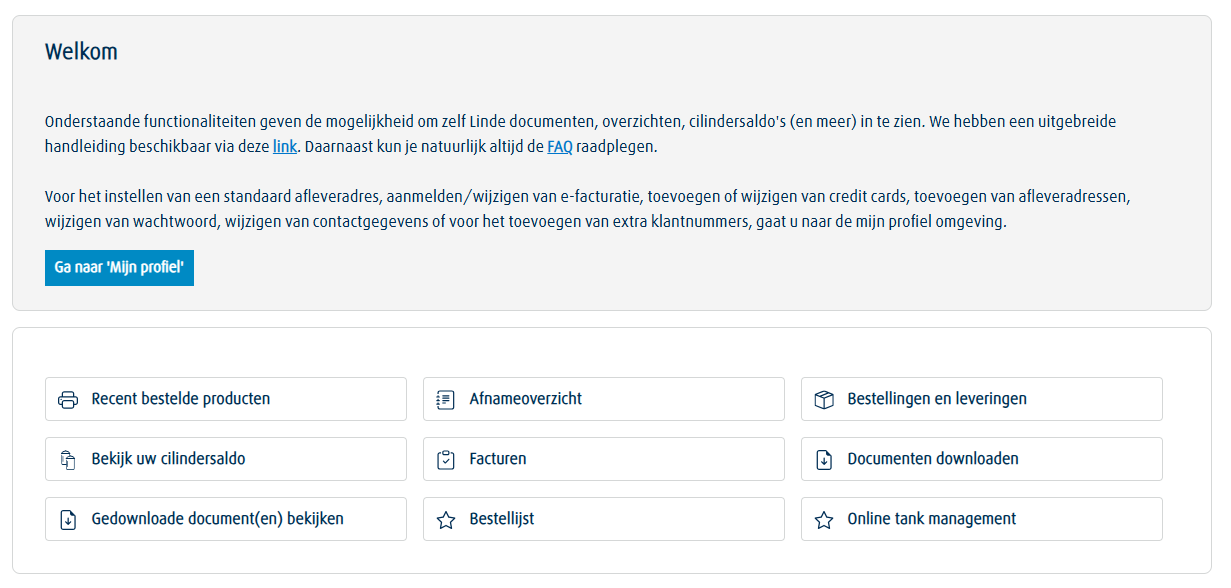
Through ‘My account’ you have one central place to manage your documents, orders, cylinder balance, usage overviews and more. You can place new orders whenever you want and use notifications to remind you when it’s time to reorder. In addition, the chat function and contact form allow you to obtain extra information — available once you are logged in — and you can submit requests directly to our customer service with your details prefilled.
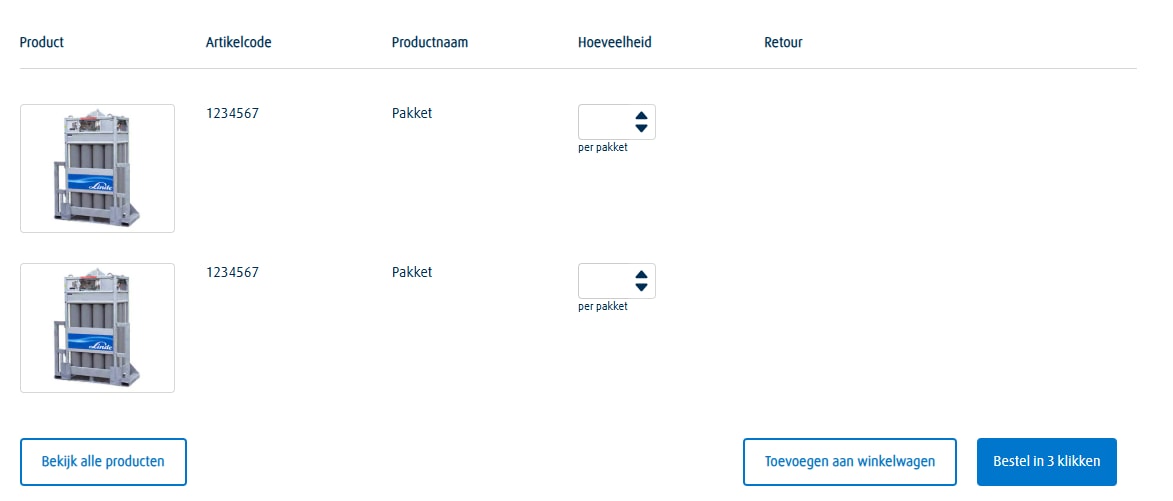
Get a direct overview of your recently ordered products, tailored to your customer number and delivery address. You can easily reorder these items from the overview. This way you keep your stock at the right level with ease.
Recently ordered products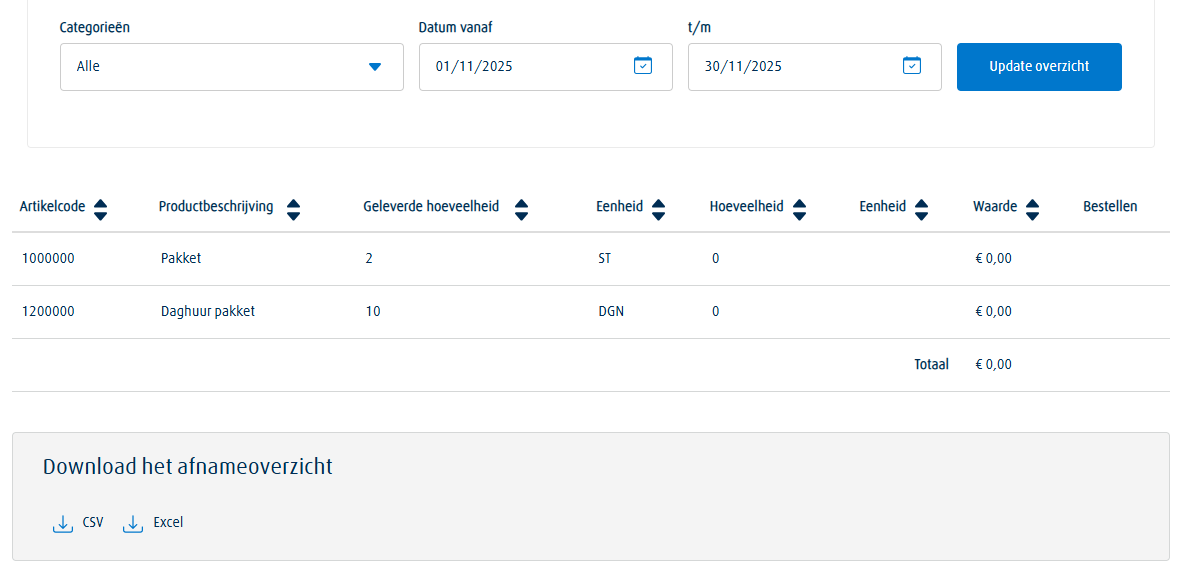
Have access to an overview showing which products you have purchased in a selected period. You can filter by product category or rental and add the right items directly to your shopping cart. Ideal for reporting and internal control.
Purchase overview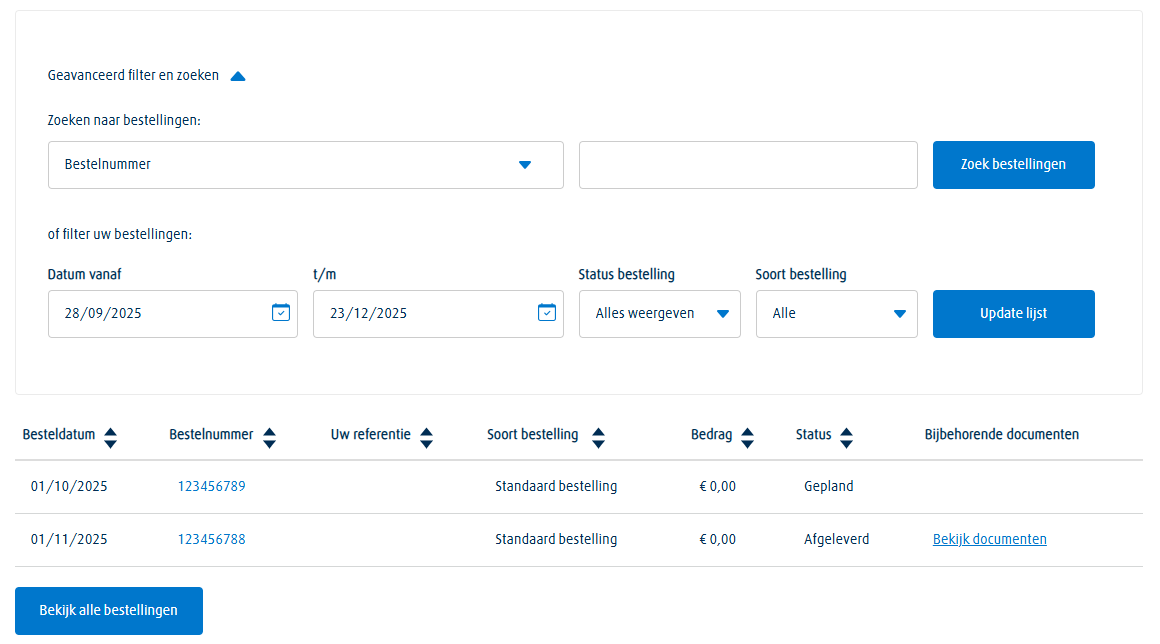
Manage previous orders using handy filters, such as order status or your own reference (PO). Delivery notes and invoices from selected orders can be downloaded directly for your administration.
Orders and deliveries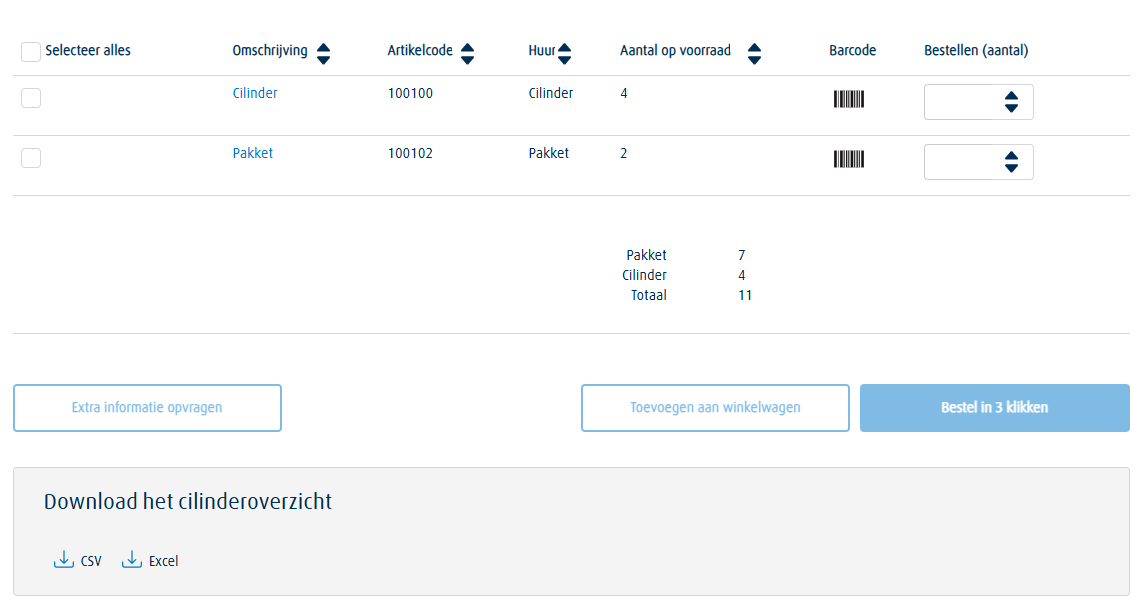
See exactly which cylinders are registered at your location, including quantities and product details. From this overview you can easily find additional information — such as barcode details and when cylinders were delivered.
Cylinder balance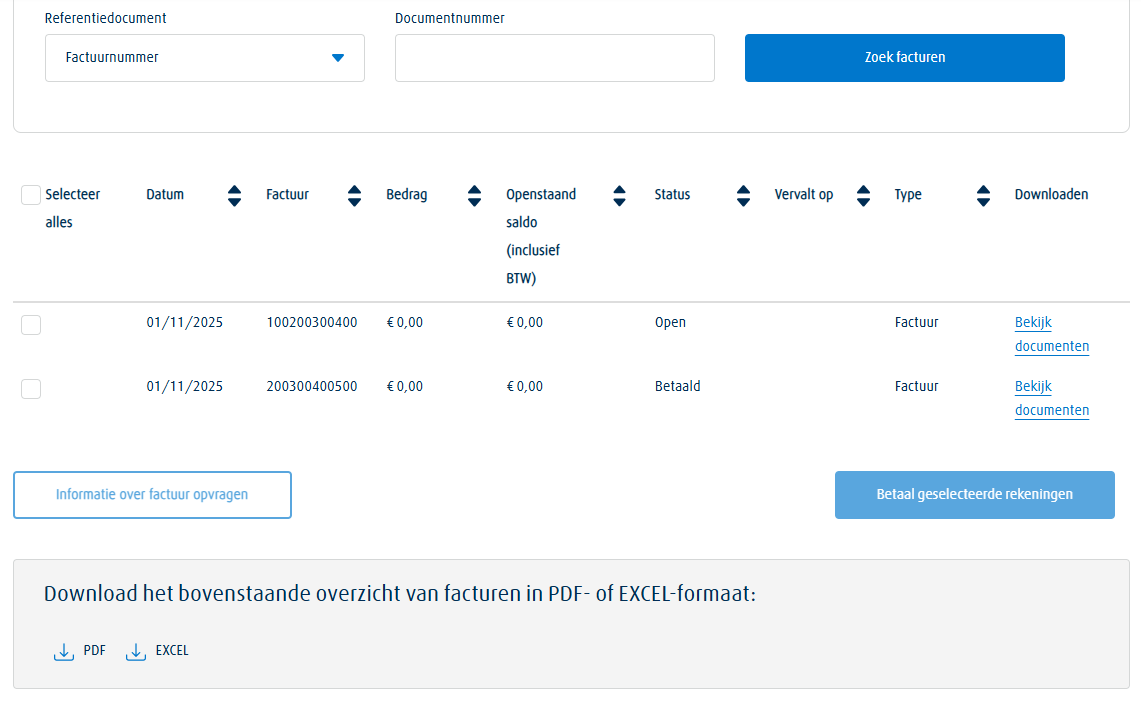
Filter your invoices by period, payment status, document type or simply search by reference number. You can open any invoice and download it instantly. This way you always have your complete financial administration at hand.
Invoices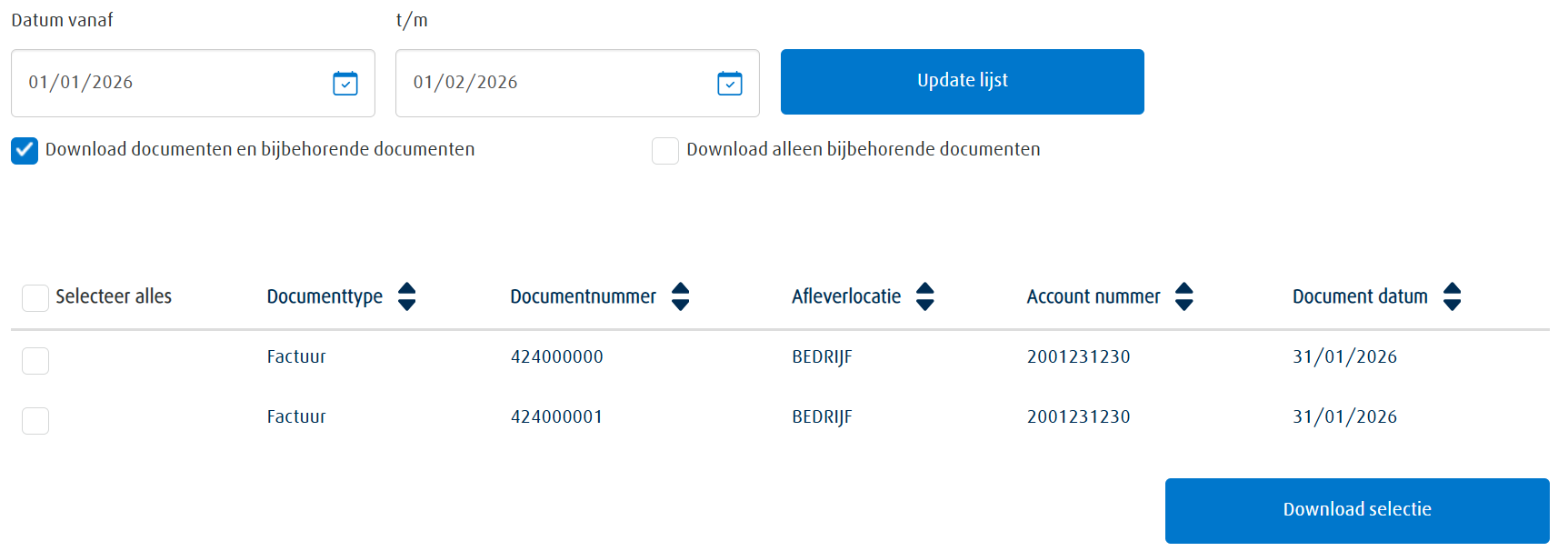
Easily download large numbers of invoices or delivery notes in one go. Select the document type and the period, and choose whether you want to include related documents. Ideal for accounting, audits and administration.
Download documents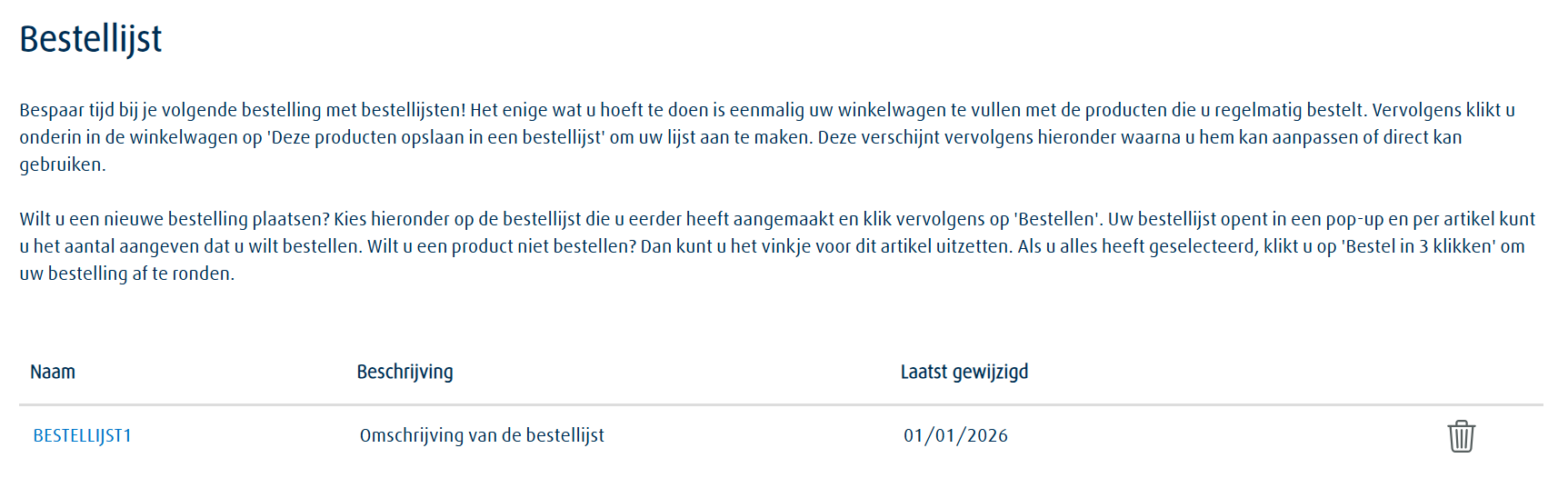
Create shopping lists with products you order regularly and set reminders so you automatically receive an email when it’s time to reorder. You decide how often you want to receive a notification. This way you never forget an order and keep your stock at the right level.
Shopping lists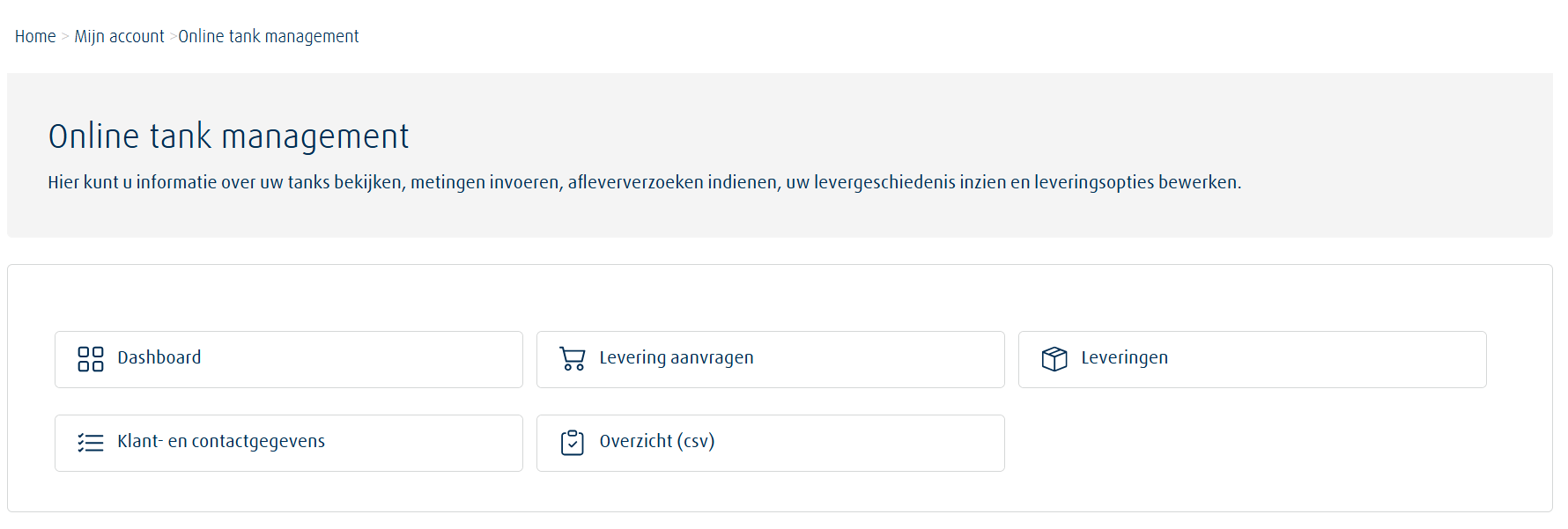
With Online tank management you can see the current fill level, usage patterns, expected next delivery and all delivery details per Linde tank. With charts, historical comparisons and automatic email reports you have a comprehensive tool to analyse your gas consumption.
Online tank managementIn ‘My profile’ you manage all important settings of your online account yourself. Here you can easily update your contact details, change your password and manage delivery addresses and preferences. You can also adjust email addresses for the different notifications you receive from us, update your communication preferences and add additional customer numbers to your online account. Thanks to these flexible settings you remain in full control of your data and work faster, more efficiently and always up to date.
Go to 'My Profile'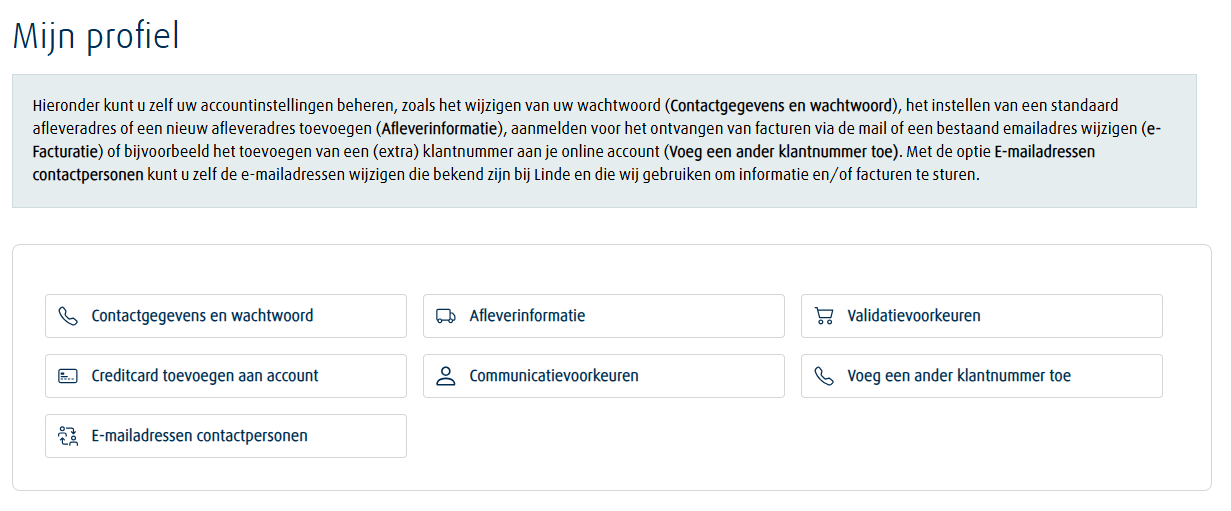
Easily manage your personal details such as name, address and phone number. You also have the option to change your password here, keeping your account current and secure.
Add new delivery addresses and set a default delivery location for your orders. Ideal if you have multiple locations or departments. This ensures your ordering process is always fast and accurate.
Save your PO number or internal reference so it is automatically filled in during ordering. You can also set the date to be added automatically. This saves time during checkout.
Register a credit card to pay outstanding invoices directly via the portal. Easily manage your stored cards and choose which card should be the default. This way you handle payments faster and more efficiently.
Set how you want to receive information from us, such as promotional emails. Important portal messages like order confirmations will always be available, but making the selection in your preferences keeps you in control of your inbox.
Do you have multiple Linde customer numbers? Add them to your account to manage all related documents and information from one environment. You only need a customer number and a recent document number.
Manage the email addresses used for order notifications, delivery documents, e‑invoicing and other messages. This ensures important information always reaches the right people within your organisation. Editing or adding them takes just a few clicks.
Ordering in our customer portal is designed to be as simple and fast as possible. Whether you specifically search for a product or build your order step by step via the shopping cart: the process is intuitive, clear and aligned with your daily tasks. In addition, our customer portal offers several smart features to help you order even faster. Think of reordering previous orders, ordering based on your stock or directly entering Linde product codes. This way you always have the ordering option that best fits your way of working.
Our online customer portal offers many possibilities to make your work easier, faster and more organised. Creating an account is completely without obligation and gives you immediate access to all useful features. What are you waiting for? Create your account today and experience the convenience yourself.